
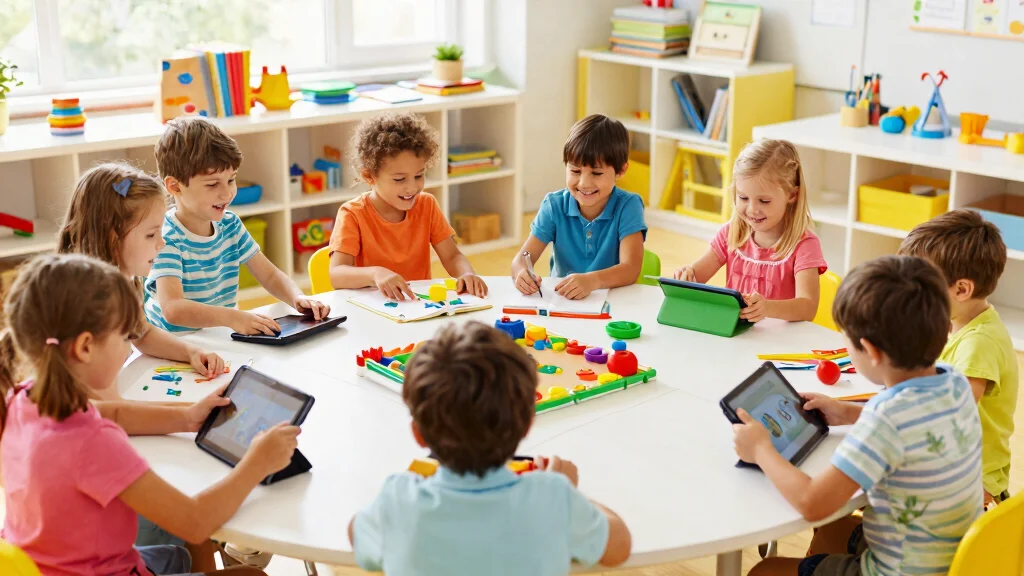

In today’s world, keeping kids engaged while they learn can feel like a Herculean task. With so many distractions around, it’s easy for children to lose focus on their studies. We’ve all been there, looking for ways to make learning fun and interactive. That’s why I created this post—to help you find exciting educational resources that can turn the learning process into an enjoyable adventure for your kids.
If you are a parent, teacher, or caregiver searching for effective learning tools, this guide is tailored just for you. Whether your little one is just starting in school or is a budding scholar looking for challenges, you’ll discover a range of tools that cater to various interests and age groups. These resources can spark curiosity and foster a love for learning, making it easier for children to absorb knowledge without feeling like they are under pressure.
In this article, I’ve compiled 15 fun learning tools that promise to make education a blast! From coding to reading, each tool offers unique features that make learning engaging and effective. By the end of this post, you’ll have a treasure trove of ideas and practical tools to enrich your child’s educational journey.
Key Takeaways
– Look for resources that combine fun and education to capture your child’s interest and make learning enjoyable.
– Many tools, like ABCmouse and Khan Academy Kids, allow kids to learn at their own pace, promoting independence and confidence.
– Hands-on learning tools, such as Osmo and LEGO Education, encourage creativity while developing essential skills.
– Gamified learning platforms like Kahoot! and Prodigy Math can turn study time into friendly competition, making it enticing for kids.
– Interactive reading platforms such as Epic! Books provide access to a vast library, encouraging a love for reading and storytelling.
1. ABCmouse: Learning Made Fun
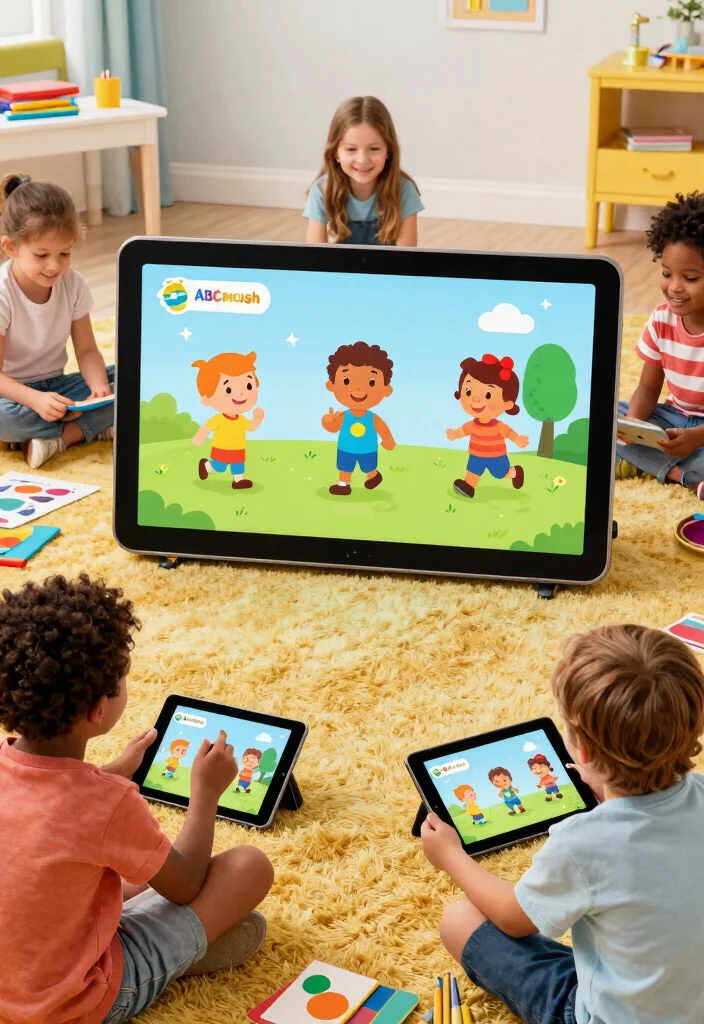
Are you looking for a way to make learning enjoyable for your child? ABCmouse offers an interactive platform tailored for kids aged 2-8, filled with thousands of activities in subjects like language, math, art, and science. The vibrant visuals and captivating characters keep children engaged as they master essential skills in a playful environment.
Parents can easily monitor their child’s progress and customize the learning experience to suit individual needs. The game’s unique approach motivates kids to finish lessons while earning rewards and unlocking new levels, making education feel like an adventure.
Key features to explore:
– Over 850 lessons covering multiple subjects.
– Engaging games with animated characters.
– Easy progress tracking for parents.
Try ABCmouse, and watch your little ones leap into learning with joy!
ABCmouse: Learning Made Fun
Editor’s Choice



2. Osmo: Hands-On Learning Magic
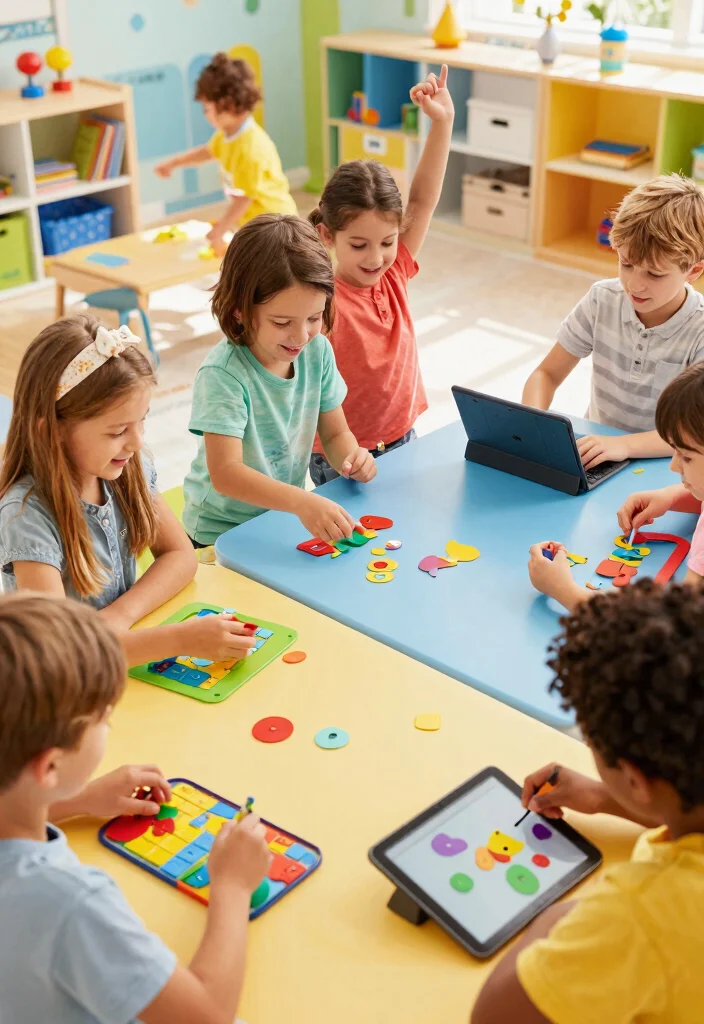
Do you want to combine playtime with learning? Osmo creates a magical blend of physical interaction and digital education through innovative games that use a tablet and real-world pieces. Children can dive into math, problem-solving, and coding as they manipulate physical puzzles while engaging with a digital interface.
This platform not only fosters individual learning but also encourages collaboration among friends, turning education into a shared adventure. With diverse game options that cater to various interests, kids will be having so much fun they won’t even realize they’re learning.
Key features to enjoy:
– Merges physical play with digital learning experiences.
– A wide variety of educational games available.
– Promotes teamwork and social skills.
Introduce Osmo, and watch your kids’ confidence grow with every game!
Osmo: Hands-On Learning Magic
Editor’s Choice


3. ScratchJr: Coding for Young Minds
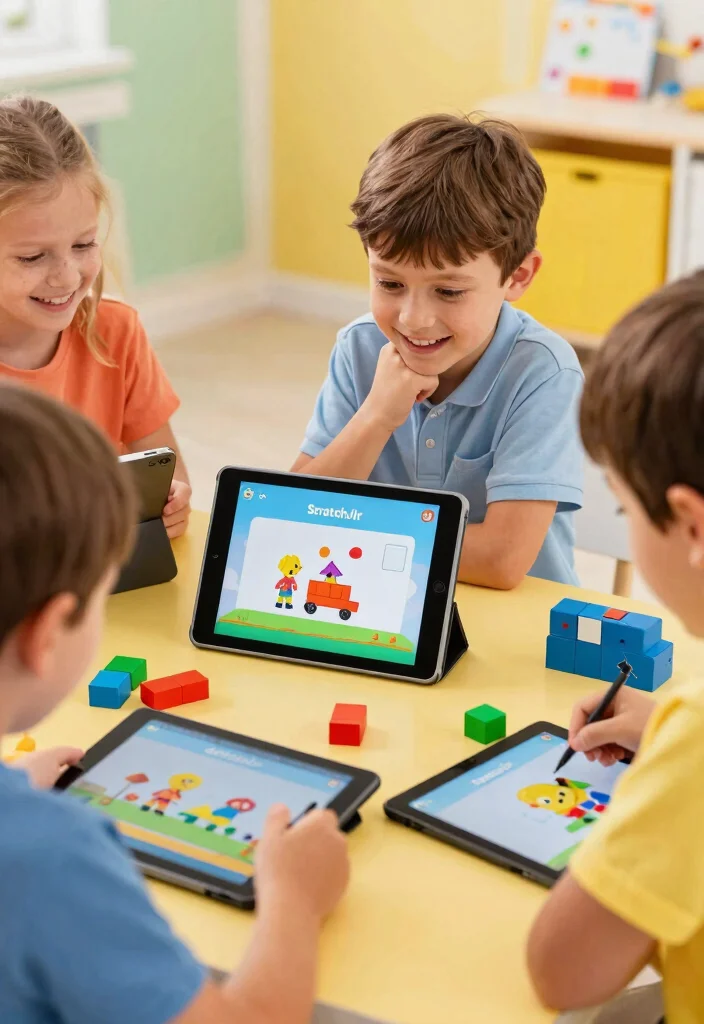
Have you thought about introducing your child to coding at an early age? ScratchJr is a fantastic app designed for kids aged 5-7, allowing them to create interactive stories and games by snapping together coding blocks. This tool not only teaches programming basics but also builds skills in problem-solving and creativity, all while being incredibly fun.
With ScratchJr, kids can animate characters and weave imaginative tales, fostering their creativity in a user-friendly environment. The colorful interface is perfect for small hands eager to learn and explore.
Key features to discover:
– Tailored specifically for young learners.
– Sparks creativity through coding activities.
– Free to download with an intuitive interface.
Start your child’s coding journey with ScratchJr, and let their imagination flourish!
ScratchJr: Coding for Young Minds
Editor’s Choice


📹 Related Video: Introduction to Scratch Jr
4. LEGO Education: Build and Learn

Are you ready to make STEM learning exciting for your child? LEGO Education offers a hands-on approach that engages kids through building models and conducting experiments. Using LEGO bricks, children can grasp concepts ranging from engineering to math, all while having an enjoyable experience.
Working on projects together fosters creativity and teamwork, as kids collaborate to explore various themes from robotics to simple machines. This approach turns learning into an adventure where imagination takes center stage.
Key features to engage:
– Encourages hands-on exploration and creativity.
– Promotes teamwork and group projects.
– Thematic kits designed for diverse learning goals.
LEGO Education can transform education into a playful journey, inspiring your child to dream big!
LEGO Education makes STEM feel like play, not tests. When kids build, they learn together and surprise themselves with real ideas. It’s one of the Educational Resources for Kids that turn curiosity into concrete skills you can celebrate at home.
LEGO Education: Build and Learn
Editor’s Choice


Key Trade-offs & Our Top Pick
Option Comparison
ABCmouse
– Pros:
– Offers a wide range of subjects and activities that cover core learning areas.
– Includes progress tracking for parents to monitor their child’s growth.
– Cons:
– Subscription fee can add up over time.
– Some users find the interface less engaging compared to other options.
– Best for: Families looking for a comprehensive curriculum for early learners.
Osmo
– Pros:
– Combines physical and digital play for hands-on learning.
– Engages kids with fun games that teach various skills, from math to spelling.
– Cons:
– Requires an iPad or tablet to function, which could be a limitation.
– Some games need additional purchases for full access.
– Best for: Children who thrive on tactile learning and interactive experiences.
Kahoot!
– Pros:
– Gamifies learning through interactive quizzes that kids can enjoy.
– Works well in classrooms or at home with multiple players.
– Cons:
– Content is user-generated, so quality can vary.
– Not all subjects may be fully represented.
– Best for: Groups or classrooms looking to make learning competitive and fun.
Khan Academy Kids
– Pros:
– Free access to an extensive library of educational content for various ages.
– Allows children to learn at their own pace, catering to individual needs.
– Cons:
– Some features may not be as engaging visually compared to paid options.
– Limited interactive elements compared to other platforms.
– Best for: Parents seeking free educational resources that adapt to children’s learning speeds.
Prodigy Math
– Pros:
– Turns math practice into a fun adventure game that kids love.
– Tracks progress and adjusts questions based on the child’s skill level.
– Cons:
– Free version is limited; requires a subscription for full features.
– Can become repetitive if playtime is excessive.
– Best for: Kids who need extra math practice while enjoying a game-like environment.
Expert Recommendation:
Best Overall: ABCmouse
ABCmouse stands out as the top choice for families as it covers a wide range of subjects in a structured way. Its ability to track progress helps parents stay informed about their child’s learning journey. Additionally, the platform offers a robust curriculum that grows with your child, making it a valuable long-term investment.
Why We Picked This:
While ABCmouse is an excellent all-rounder, some parents might prefer Osmo for its hands-on approach or Khan Academy Kids for its free access. If fun and competition are key, Kahoot! or Prodigy Math can be great alternatives. Your choice should reflect your child’s learning style and your budget.
5. Khan Academy Kids: Learning at Their Own Pace
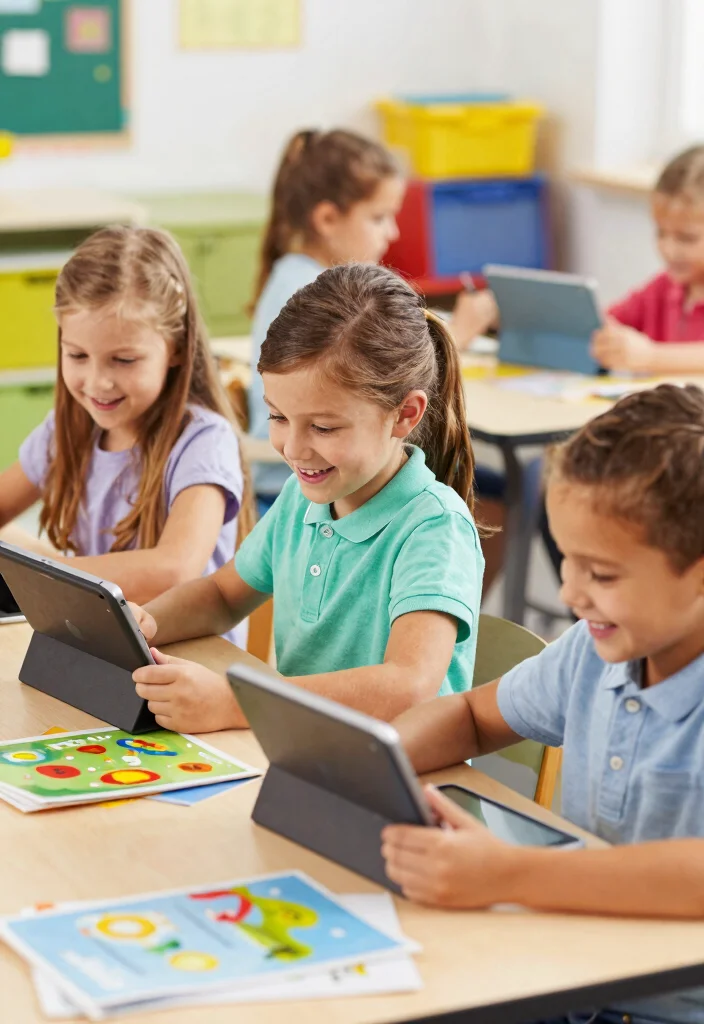
Looking for a free educational resource that adapts to your child’s needs? Khan Academy Kids is an excellent app for children ages 2-8, offering a wide variety of subjects like reading, math, and social-emotional learning through fun activities. The colorful animations and friendly characters make learning enjoyable, while the personalized curriculum adjusts to each child’s skill level.
Kids can delve into different topics at their own pace, fostering a lifelong love for learning. This platform is perfect for families with diverse learning preferences, ensuring everyone finds something engaging.
Key features to explore:
– Comprehensive subjects covering multiple areas.
– Tailored learning experiences for every child.
– Free access for all families.
Try Khan Academy Kids and witness your child’s passion for learning blossom!
6. Zoodles: Fun Learning on the Go
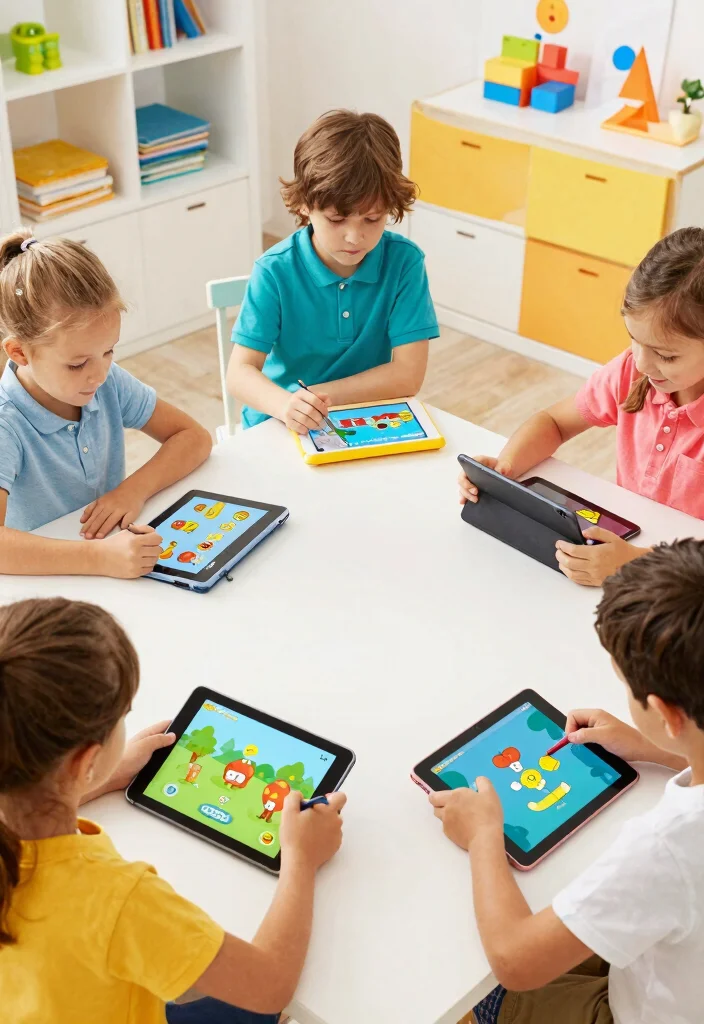
Want to turn screen time into productive learning? Zoodles is a kid-friendly interactive app that provides a safe online environment filled with educational games, videos, and activities tailored to children’s interests.
With personalized profiles, kids can explore subjects such as math, reading, and science in a fun, playful manner. Zoodles encourages independent learning, allowing children to choose their paths while ensuring effective educational outcomes.
Key features to enjoy:
– Extensive range of learning content available.
– Safe online environment for children.
– Promotes independence in learning choices.
Incorporate Zoodles into your family’s routine and transform screen time into enjoyable learning experiences!
7. Tiggly: Learning Through Play
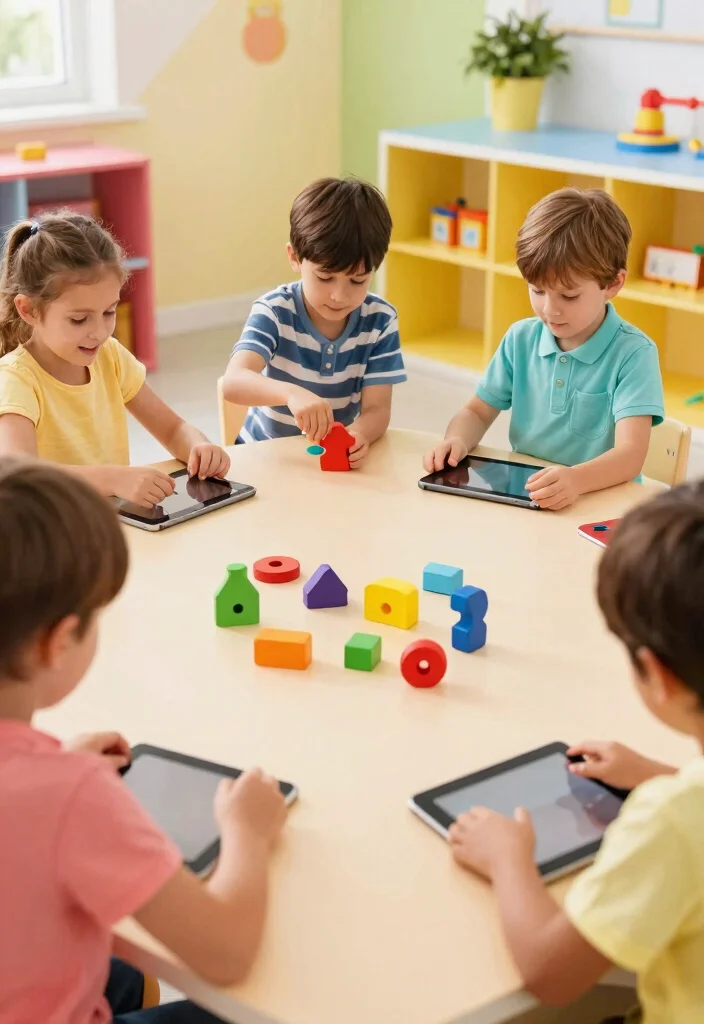
Are you looking for a unique way to blend physical toys with digital learning? Tiggly offers interactive toys designed for kids aged 3-7 that work seamlessly with tablets, creating a hands-on educational experience.
Children can enhance their skills in math, language, and creativity using tangible shapes that interact with app activities. This active learning approach keeps kids engaged and excited about education while providing essential hands-on practice.
Key features to discover:
– Combines physical and digital play effectively.
– Focuses on foundational skill development.
– Encourages creativity and exploration through play.
Get Tiggly to turn learning into a tactile adventure, inspiring your children to grow their knowledge through fun!
Did you know that mixing tangible toys with tablet learning can boost early math and language skills by up to 25%? Tiggly’s hands-on shapes turn digital activities into real-world problem solving, a win for Educational Resources for Kids.
You might also like

22 Interactive Toys for Toddlers That Will Keep Them Engaged and Learning! – MomBlush

16 Interactive Gifts for Babies Under 1 That Keep Little Ones Engaged (Wait Until You See #7!) – MomBlush
8. Epic! Books: A Library at Their Fingertips

Want to spark your child’s love for reading? Epic! is a digital library that grants kids access to thousands of children’s books, audiobooks, and educational videos, perfect for ages 12 and under. The vast selection of genres and topics encourages exploration and imagination.
Interactive features enhance the reading experience, allowing kids to listen to stories or read along with highlighted text. Parents can ensure age-appropriate content, engaging their children with materials that inspire creativity and knowledge.
Key features to explore:
– Extensive library of books and audiobooks available.
– Age-appropriate content accessible anytime.
– Promotes independent reading and discovery.
Introduce your kids to Epic!, and watch their passion for reading soar!
9. MindWare: Puzzles and Games for Smart Play
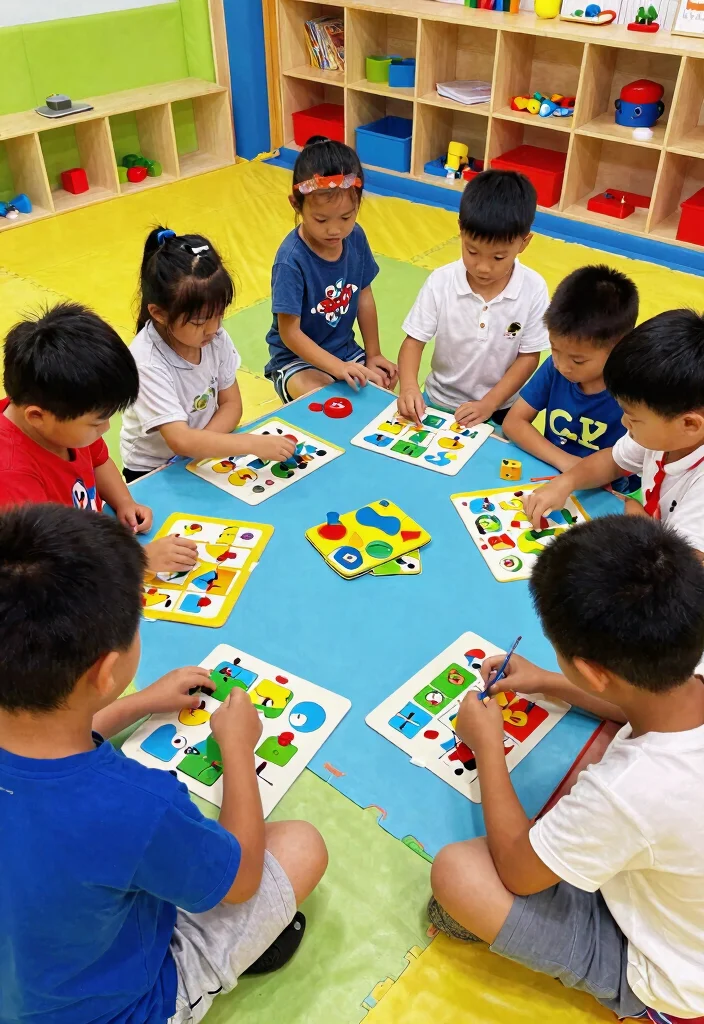
Are you searching for engaging toys that promote critical thinking? MindWare specializes in educational toys and games designed to stimulate problem-solving skills and creativity, suitable for children aged 3 and up.
With a variety of puzzles, brainteasers, and logic games, this platform provides fun resources that keep kids entertained while learning. MindWare’s offerings range from classic favorites to innovative games, ensuring there’s something for every child.
Key features to explore:
– Diverse selection of puzzles and games available.
– Promotes critical thinking and strategy.
– Encourages collaborative play among children.
Introduce MindWare into your home and turn learning into an exciting adventure filled with fun!
10. ClassDojo: Building a Positive Classroom Culture
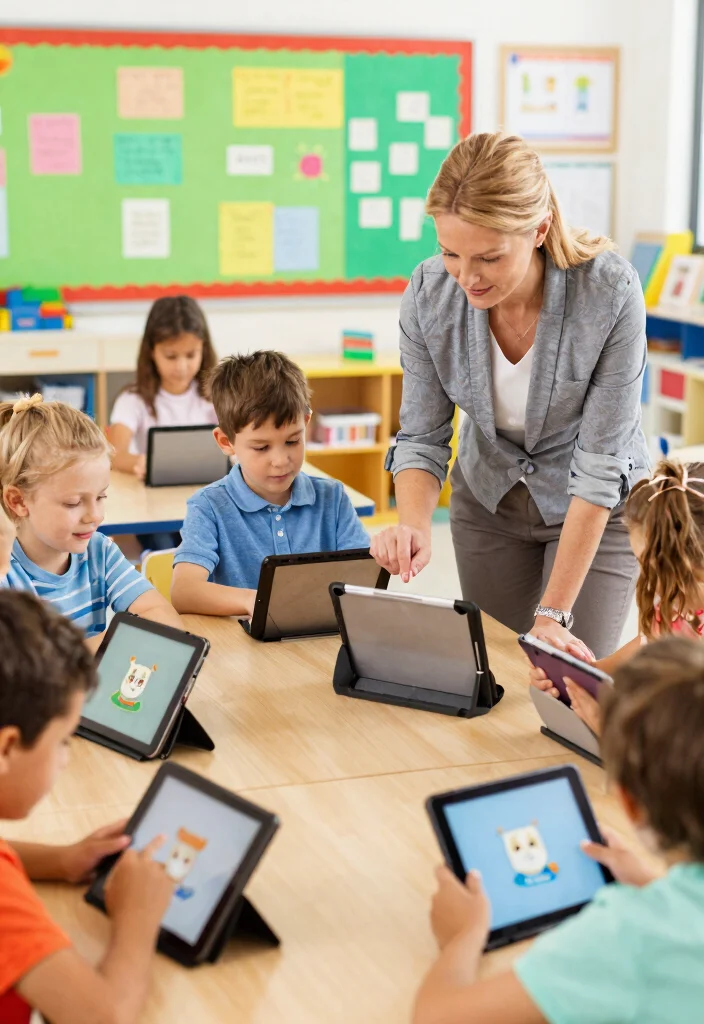
Are you interested in enhancing communication between teachers and parents? ClassDojo is an innovative tool that fosters a positive learning environment for children by connecting parents and teachers seamlessly. Kids receive immediate feedback on their behavior and achievements, creating an engaged community around learning.
This platform encourages children to set goals, reflect on their learning, and feel a sense of belonging in their classrooms. Parents can easily track their child’s progress and communicate with teachers, making collaboration effortless.
Key features to enjoy:
– Connects parents and teachers effectively.
– Provides real-time feedback for students.
– Encourages personal growth and reflection.
Incorporate ClassDojo into your child’s school experience, and watch them excel socially and academically!
11. Kahoot!: Gamified Learning for All Ages
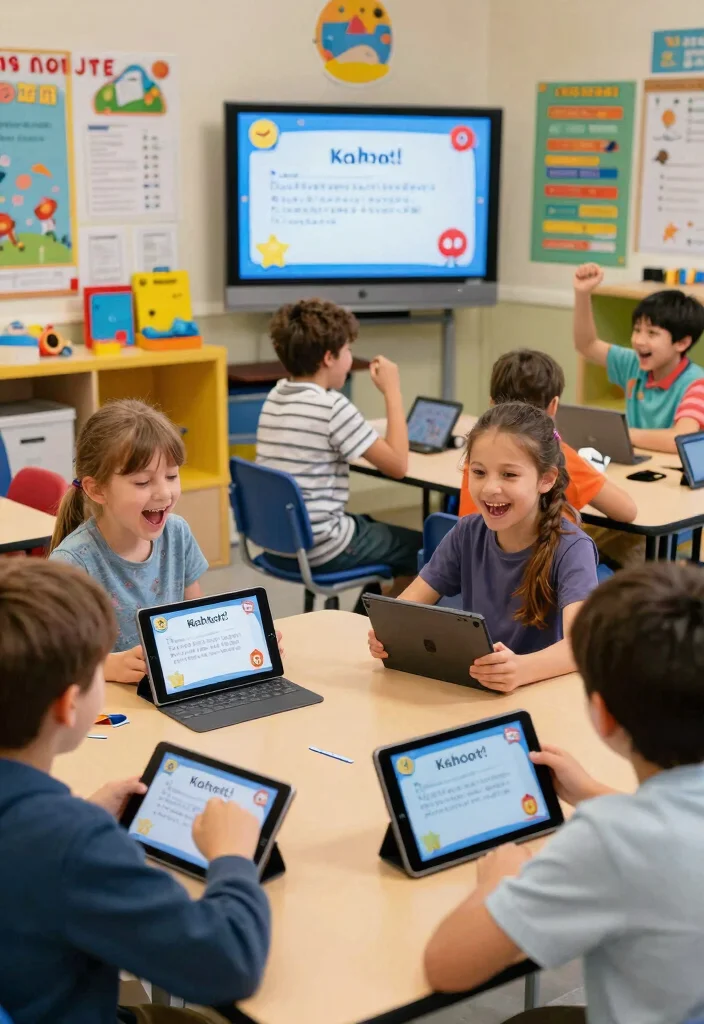
Are you ready to make studying exciting? Kahoot! revolutionizes learning through gamification, offering an interactive quiz-based platform for kids that can be used in classrooms or at home. Children can compete against each other in real-time, answering questions across a range of subjects while having a blast!
Teachers and parents can create custom quizzes tailored to specific topics, making Kahoot! an adaptable resource for everyone. The competitive spirit and fun visuals make it a favorite for creating engaging learning experiences.
Key features to explore:
– Engaging quiz format that inspires competition.
– Suitable for various subjects and ages.
– Simple to create custom content.
Bring Kahoot! into your learning toolkit for a refreshing twist on studying!
Did you know Kahoot! can boost retention by up to 70% when used for quick, gamified quizzes? Real-time competition keeps kids engaged, and teachers can tailor topics—making Kahoot! one of the most accessible Educational Resources for Kids at home or in class.
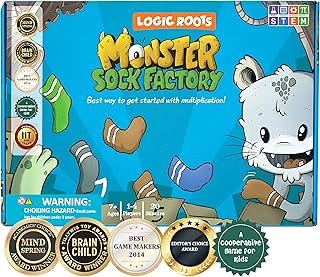
12. Prodigy Math: Game-Based Learning
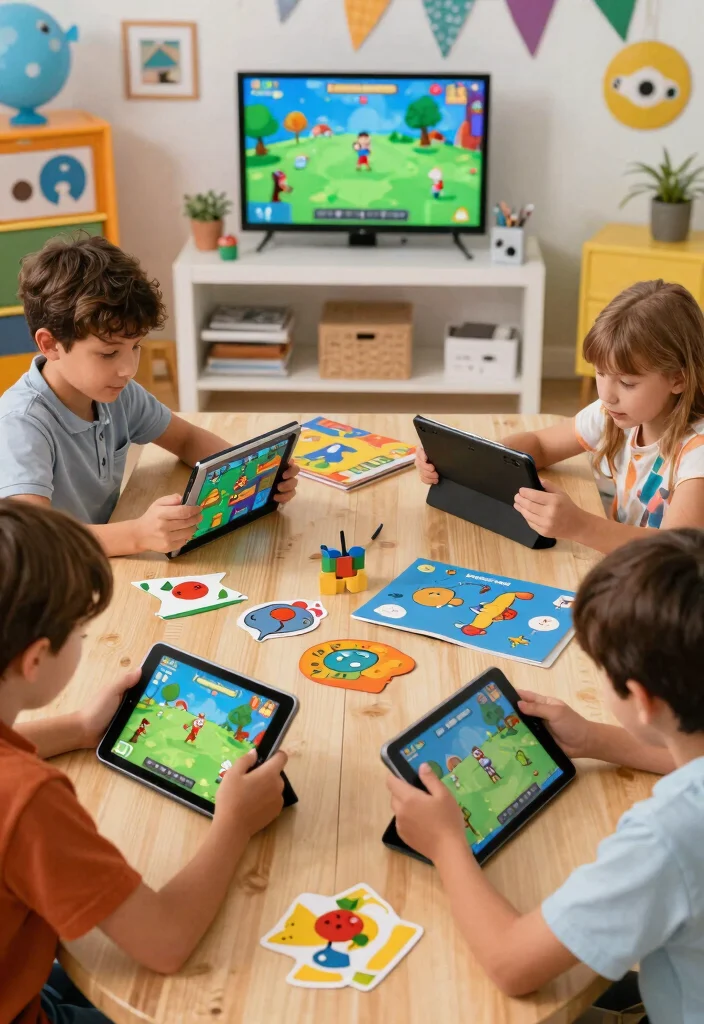
Are you looking for a fun way to improve your child’s math skills? Prodigy Math offers a game-based approach that is engaging and effective for kids in grades 1-8. Through an online platform, children embark on magical quests while practicing their math skills in a lively, interactive environment.
This adaptive program caters to individual learning styles, ensuring each child learns at their own pace. With over 1,500 skills to explore, boredom is never an issue, and parents can effortlessly track their progress.
Key features to enjoy:
– Engaging storyline that motivates learning.
– Adaptive learning tailored to each student’s needs. br>- Comprehensive progress tracking for parents.
Transform math practice into an adventure with Prodigy Math, and watch your child gain confidence in their skills!
Prodigy Math: Game-Based Learning
Editor’s Choice




You Might Also Like

10 Creative Activities That’ll Supercharge Your Baby’s Cognitive Growth (You Won’t Believe #7!) – MomBlush

13 Art Projects That Promote Creative Thinking in Kids (Don’t Miss #9!) – MomBlush
13. ThinkFun: Games that Make You Smarter
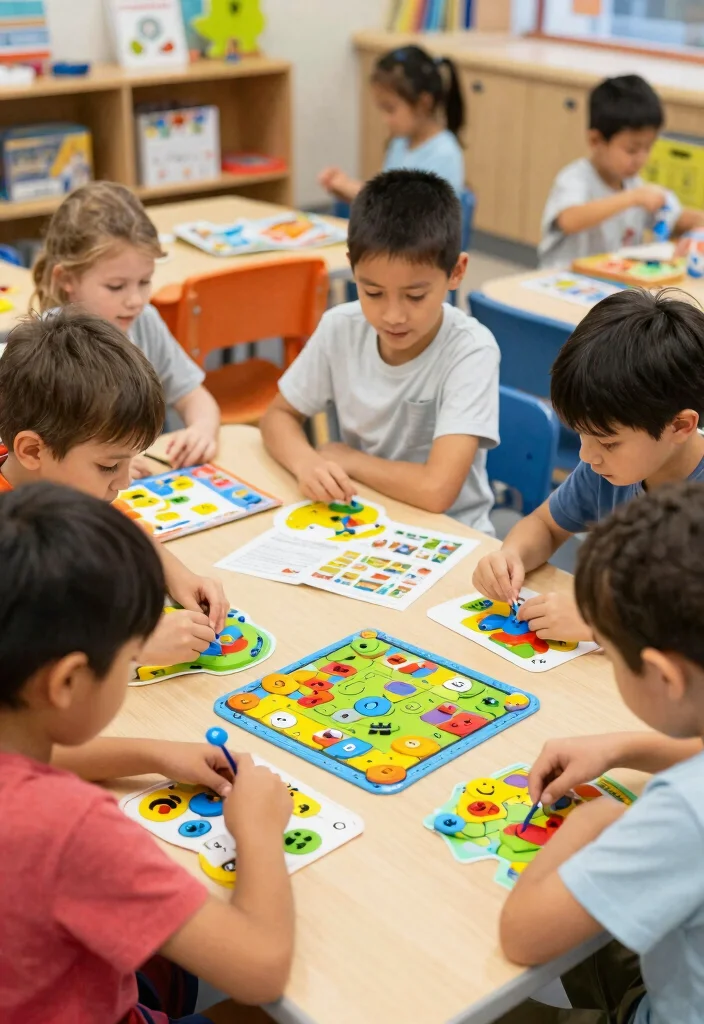
Do you want to challenge your child’s mind while keeping them entertained? ThinkFun offers a variety of games and puzzles designed to develop critical thinking, problem-solving, and logic skills for children aged 3 and up.
With options like board games, card games, and brainteasers, ThinkFun ensures there is something for every child. The hands-on approach makes learning feel effortless and enjoyable, turning playtime into an educational experience.
Key features to explore:
– Engaging games for various age groups.
– Focuses on critical thinking and logic development.
– Encourages collaborative play and teamwork.
Bring home ThinkFun games, and make learning a joyful adventure for your entire family!
14. Artie 3000: The Coding Robot
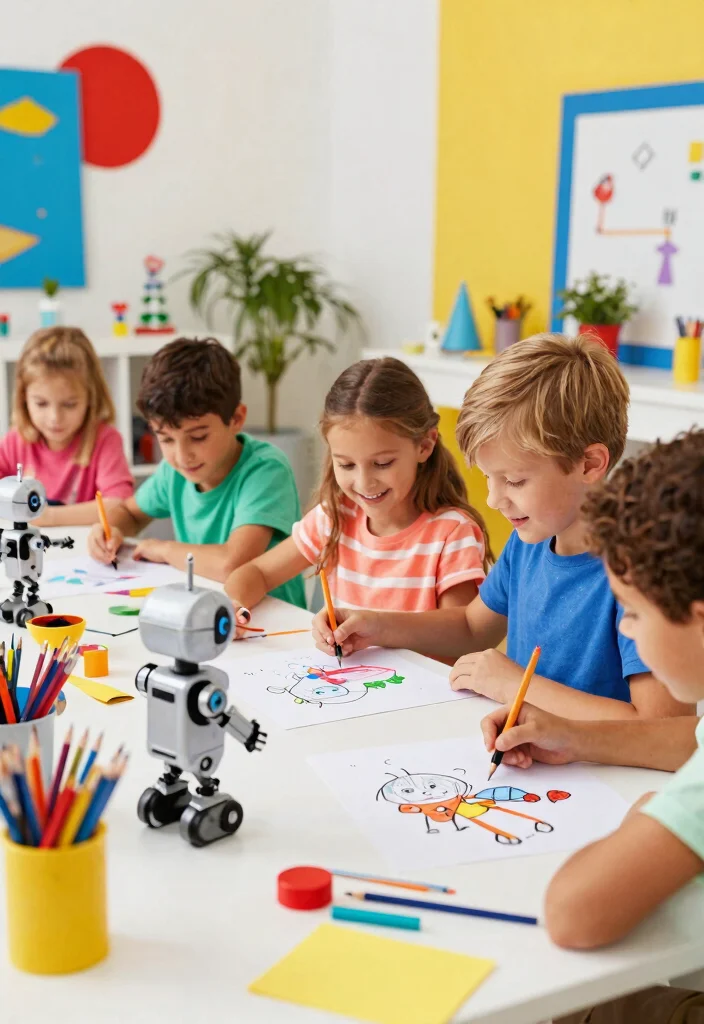
Are you ready to introduce your child to the world of coding? Artie 3000 is a coding robot that teaches programming concepts through fun and interactive methods. Kids can code Artie to draw and create art, fusing creativity with technology in a unique way.
This hands-on approach makes learning coding concepts accessible and enjoyable for kids aged 7 and up. Artie inspires creativity while teaching logical sequencing and problem-solving skills, making it an ideal tool for young aspiring programmers.
Key features to enjoy:
– Combines art and technology in a playful manner.
– Teaches foundational coding concepts effectively.
– Great for developing logical thinking skills.
Let Artie 3000 ignite your child’s imagination and guide them into the exciting world of coding through art!
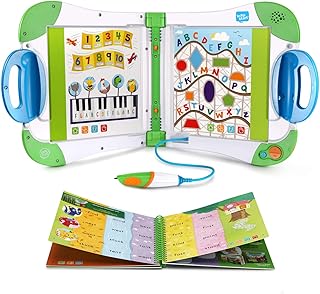
15. LeapFrog: Engaging Educational Tools
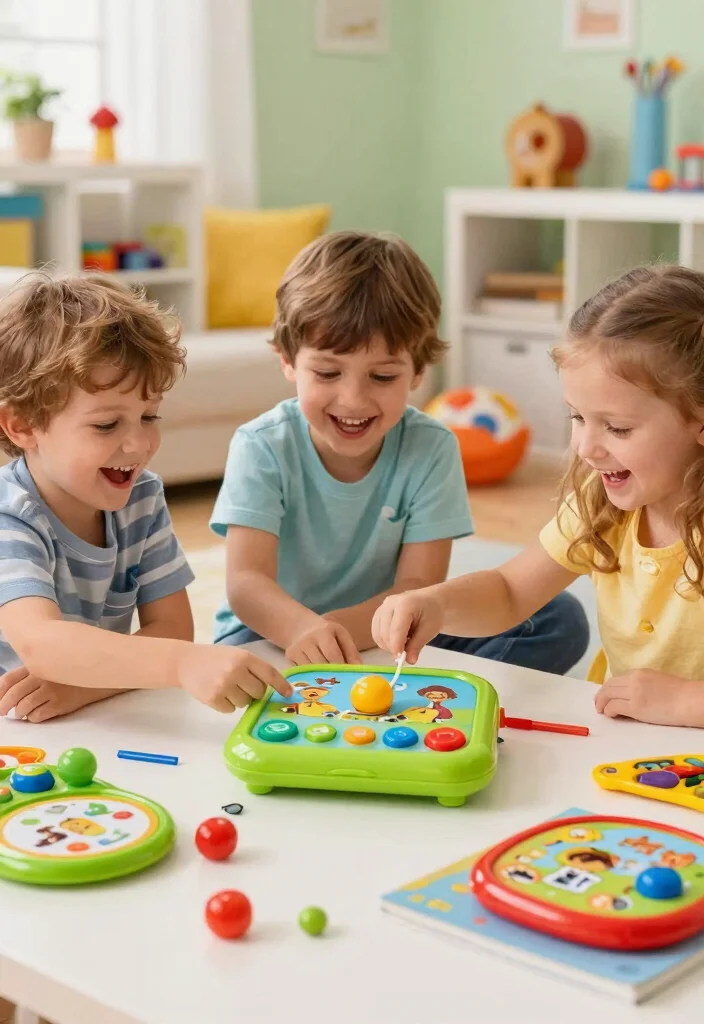
Looking for trusted educational tools that kids will love? LeapFrog has been a reliable name in educational toys for years, focusing on early literacy and STEM skills. Their interactive learning tools and games cater to children aged 0-8, making education both engaging and fun.
With bright colors and friendly characters, LeapFrog’s resources create a familiar and enjoyable learning atmosphere. Whether through tablets, books, or interactive toys, LeapFrog ensures that kids develop essential skills while having a blast.
Key features to discover:
– Focus on foundational skills for young learners.
– Wide range of interactive educational tools available.
– Kid-friendly designs that engage and inspire.
Explore LeapFrog’s collection of educational tools, and watch your little ones thrive in their learning journeys!
Conclusion

With these 15 fun learning tools, every day can feel like an educational adventure for your little ones! From interactive apps to hands-on games, each resource encourages kids to explore, learn, and grow with excitement.
As parents, we can help shape a positive learning environment by introducing these engaging tools into our children’s routines. Embrace the joy of learning, and watch your kids thrive in their educational journey!
Note: We aim to provide accurate product links, but some may occasionally expire or become unavailable. If this happens, please search directly on Amazon for the product or a suitable alternative.
This post contains Amazon affiliate links, meaning we may earn a small commission if you purchase through our links, at no extra cost to you.
Frequently Asked Questions
What are some examples of fun and interactive educational resources for kids?
There are many options that turn learning into a game. Try hands-on science kits, math and logic games, reading challenges, coding apps, printable activities, and educational board games. Look for tools described as Educational Resources for Kids that emphasize fun and interactive experiences. Start with one or two options that match your child’s interests, then add others as they gain confidence. Mix digital and offline activities to keep learning exciting throughout the week.
How can I choose the best educational resources for my child’s learning style?
First identify whether your child learns best by seeing, hearing, or doing. Then pick a mix of interactive options — visual charts, hands-on kits, and short video lessons. Check alignment with your goals and keep Educational Resources for Kids that are age-appropriate. Try one new tool at a time for a week, set a simple goal, and track progress with a quick check-in. If a tool isn’t engaging after a couple of tries, try a different one. Keep it fun and low-pressure.
Are there affordable educational resources for kids at home?
Absolutely. You can borrow books from the library, use free or low-cost apps, print activity sheets, and repurpose household items into science experiments. Many creators offer starter freebies or trial periods, so you can test before buying. Look for bundles or multi-tool kits that cover multiple subjects. The key is to mix high- and low-cost options while keeping Educational Resources for Kids fun and accessible.
How can parents maximize engagement with these learning tools?
Co-learning is gold—learn alongside your kid, ask open-ended questions, and celebrate small wins. Create a cozy learning nook, set a regular schedule, and gamify progress with simple, non-monetary rewards. Use a mix of fun and interactive tools, and rotate options every couple of weeks so curiosity stays high. Track progress with a simple checklist and involve your child in choosing the next tool.
Do these tools work for multiple ages and subjects?
Yes. Many tools are adaptable from preschool through early teens and cover math, science, reading, writing, coding, and arts. Start with age-appropriate options, then layer more complexity as your child grows. Pair a primary tool with supplementary activities to reinforce skills, and use Educational Resources for Kids as a guiding framework to balance fun and interactive learning.
Related Topics
educational resources
interactive learning
fun tools
kids education
parenting tips
learning activities
STEM resources
creative learning
easy learning
engaging tools
child development
homeschool resources




These learning tools sound amazing! I love how they make education feel more like playtime. What’s your kids’ favorite tool so far?
Did you know that kids learn better when they think they’re playing? It’s true! These tools seem to hit that sweet spot between fun and learning.